How to choose a mobile game you will actually enjoy
With so many games available for phones, picking one can feel overwhelming. This guide walks you through a few simple questions that make it easier to find games you will keep coming back to.
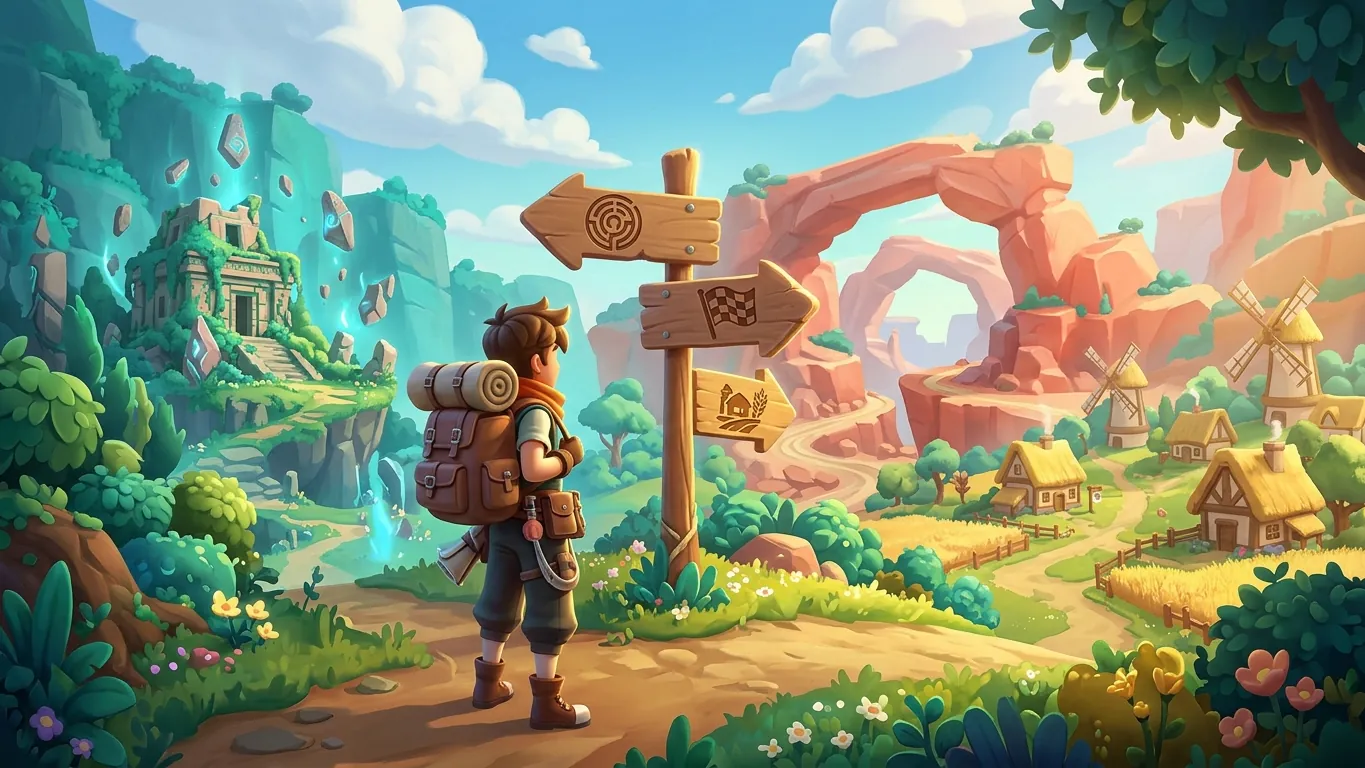
Start with how you like to play
Before scrolling through endless store pages, take a moment to think about what you enjoy. Do you like solving problems at a calm pace, or do you prefer fast reactions and quick wins? Do you enjoy stories and characters, or do you mostly want something relaxing to tap through while you unwind?
Your answers point toward genres. Calm thinkers often enjoy puzzle and strategy games. Players who love speed tend to gravitate toward racing, runners and action games. Story lovers may feel at home with role-playing adventures or narrative games. There is no wrong answer, and many people enjoy several styles depending on their mood. Knowing your preferences simply narrows the search and makes it easier to spot a good fit.

Think about session length
One of the biggest differences between mobile games is how long a typical session lasts. Some games are built around rounds of a minute or two, which makes them easy to enjoy while waiting in line. Others reward longer sittings, with missions or matches that are hard to pause.
Consider when you usually play. If your gaming happens in short breaks, look for games that save progress often and let you stop at any moment. If you have quiet evenings free, a deeper game with longer sessions may be more satisfying. Matching session length to your routine avoids the frustration of being pulled away in the middle of something important.
A quick checklist before you install
Running through these points takes only a minute and can save you storage space and disappointment.
- 01
Read the description
Check what the game is about, how it plays and whether it matches the genre you are looking for.
- 02
Look at screenshots and video
Previews show the art style, the control layout and how busy the screen can get during play.
- 03
Check size and requirements
Make sure your phone has enough free storage and meets any listed system requirements.
- 04
Note ads and in-app purchases
Store pages usually mention whether a game contains ads or optional purchases, so you know what to expect.
- 05
Check the age rating
Age ratings help you understand the content, which is especially useful when choosing for younger players.
Read store pages with a careful eye
Store pages are designed to make games look appealing, so it helps to read them thoughtfully. Promotional images may show late-game content or special effects you will not see for a while. Short previews might highlight exciting moments rather than the everyday loop you will repeat most often.
Try to picture what a typical five or ten minutes of play would look like. Is it mostly tapping through menus, or is it hands-on gameplay? Does it seem to need a constant internet connection? If the description mentions online features, make sure that suits where and how you usually play.
Give a new game a fair chance
Many games start with a tutorial that moves slowly on purpose. It can be worth playing a little beyond the first few minutes before deciding, because the real fun often begins once the basics are out of the way.
At the same time, you do not owe any game your time. If something feels confusing, stressful or simply not your style after a reasonable try, it is perfectly fine to uninstall it and move on. Trying different games is part of the fun, and every experiment teaches you a little more about what you enjoy. Over time, you will get faster at spotting the games that suit you, and your phone will hold a small collection of titles you genuinely look forward to playing.
Related articles
 Mobile game genres explained
New to mobile gaming? Learn how popular genres like puzzle, strategy, role-playing, racing and idle games work and which one might suit your style.
Read more
 Free-to-play mobile games, explained
A balanced explainer of free-to-play mobile games: in-app purchases, in-game currencies, ads and practical ways to set spending limits you are happy with.
Read more
 Practical tips for playing mobile games offline
Planning a flight or a trip with weak signal? Learn how to check if a mobile game works offline and how to prepare your phone before you leave home.
Read more